Neck control
Chin tucks and neck nods can be introduced with careful cues and comfortable range.
 Renava Daily posture training
 Tech neck routines
People searching for tech neck usually want practical movement after screen-heavy days. Renava uses careful wellness language and guides neck, shoulder, and upper-back routines without medical treatment claims.
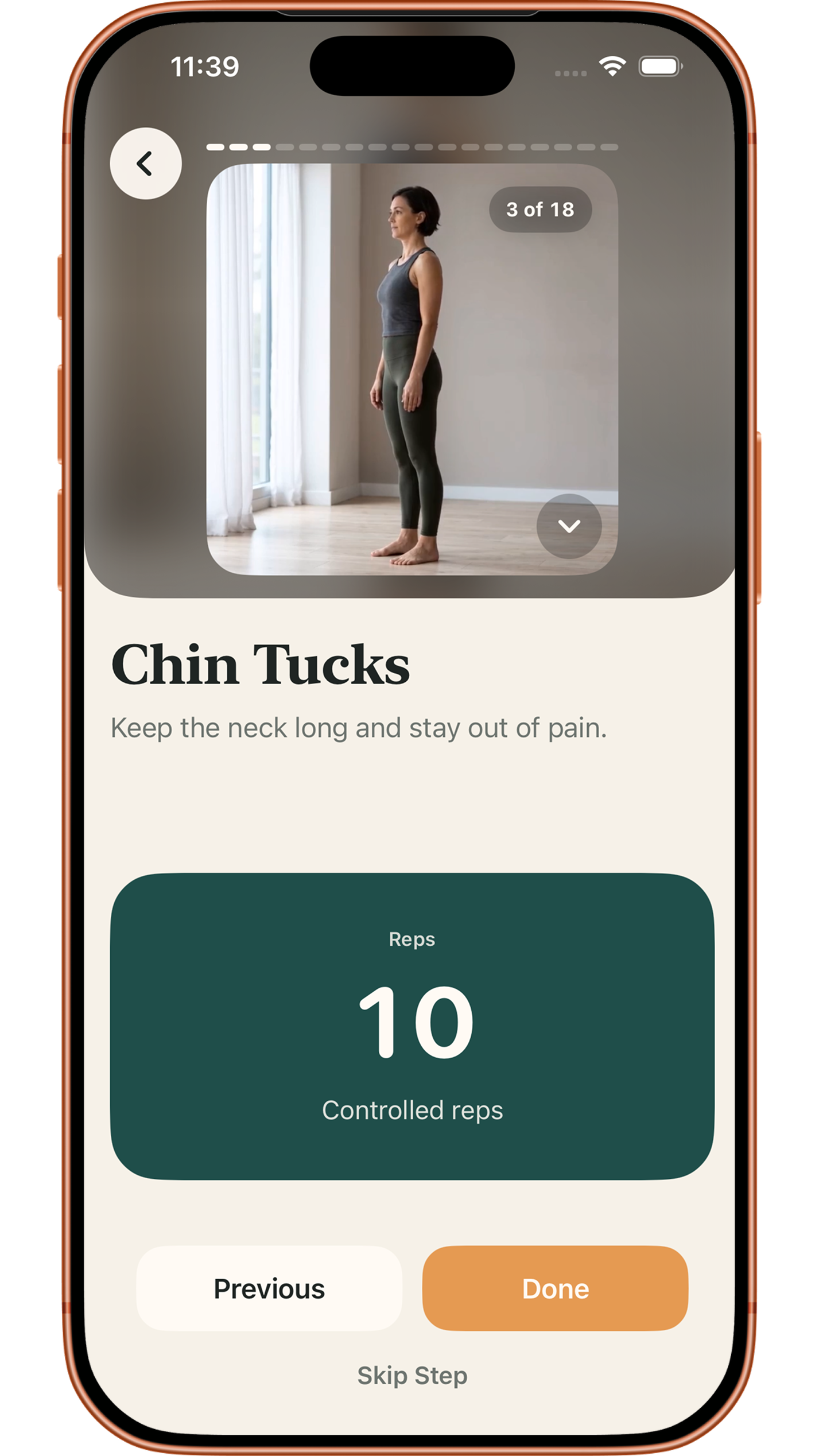
The goal is not to force the neck into a stiff position. Renava focuses on gentle control, breath, shoulders, and upper-back movement.
Chin tucks and neck nods can be introduced with careful cues and comfortable range.
Shoulder rolls, shoulder blade glides, and slow arm raises connect the neck to the upper body.
Thoracic reach, wall slides, and breathing reset help the routine move beyond the neck alone.
Neck routines should be paced and clear. Random exercise lists can be hard to judge, especially for beginners.
Renava guides the order of movements and transitions.
Routines can fit into a break instead of becoming a long session.
The content stays in general wellness and encourages stopping if symptoms appear.
Tech-neck pages should connect to desk reset, neck and shoulder, upper-back, and office-worker pages so Google understands the cluster.
Links to desk posture reset and 5-minute desk routine.
Links to neck and shoulder and upper-back mobility.
Links to office worker posture app.
On this page, tech neck is used as common search language for screen-heavy neck and posture routines. Renava does not diagnose a medical condition.
Examples include chin tucks, neck nods, shoulder blade glides, wall slides, thoracic reach, and breathing reset.
Many routines are short and desk-friendly, though some may use a wall or doorway.
No. Users should stop if they feel pain, numbness, dizziness, or unusual discomfort.
No. Renava provides general wellness and fitness guidance, not treatment.
Use Renava for a short tech-neck style routine after screen-heavy work.
Explore the connected parts of the Renava posture system: the app, routines, program path, desk resets, focus areas, and guided exercises.